Logibar
Your Logitech battery levels, in the Windows tray.
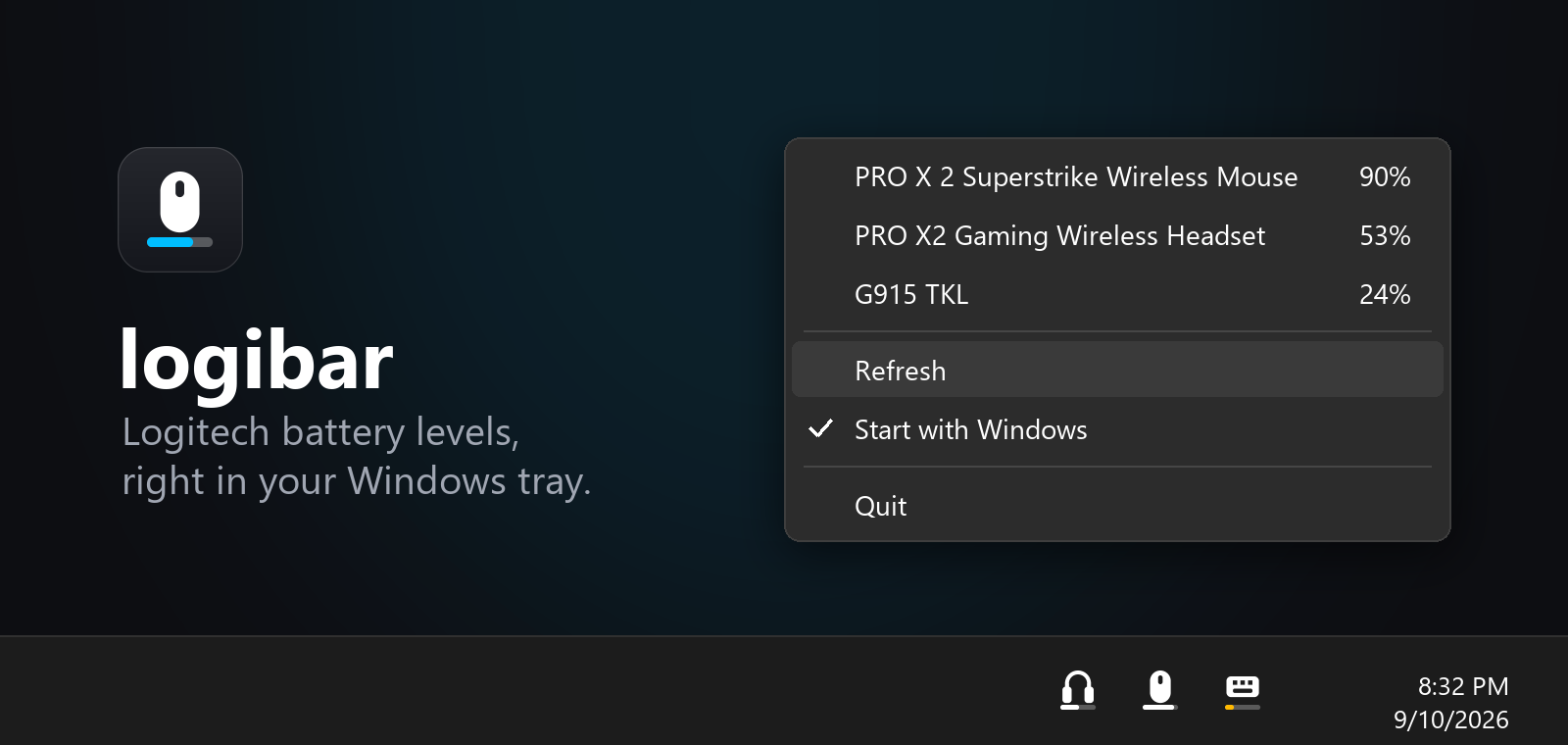
At a glance
- Mouse, headset and keyboard icons with a battery bar.
- Yellow at 30%; red and a charge alert at 15%.
- Light and dark taskbar support.
- Reads G HUB locally. No account or network connection.
Install
- Install Logitech G HUB and connect your devices.
- Download logibar.exe.
- Double-click the file. The battery icons appear beside the clock.
If the icons are hidden, open the tray overflow and drag them onto the taskbar. Right-click an icon and select Start with Windows to launch it at sign-in.
Device support
Works with mouse, headset and keyboard battery readings saved by G HUB. Shows the newest reading for each category; tooltips flag readings older than an hour.
Build from source · Report an issue
Not affiliated with Logitech.